Everything Gistnode does
A closer look at messaging, calls, status, and the AI assistant that stays off unless you turn it on.
Swipe through the highlights
Encrypted, every message
Ads, ever
Forced onto you
Opt-in AI, your call
Chats that feel alive
Bold, italics, mentions, stickers and GIFs • the expressive stuff people actually reach for, without a bloated interface hiding it behind three menus.
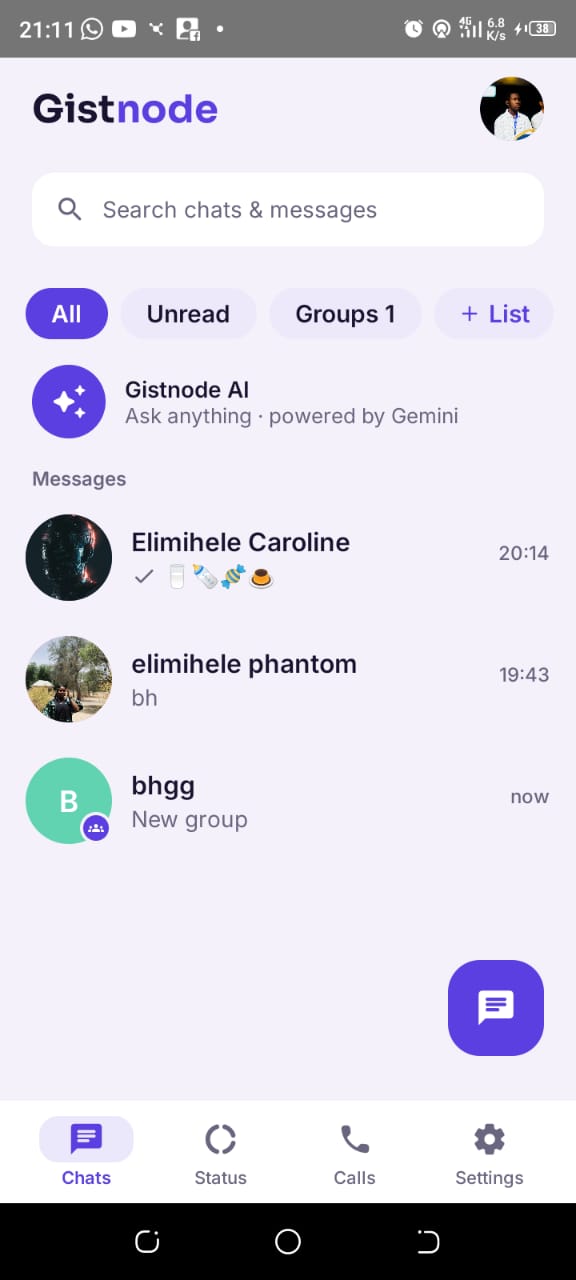
Groups, and your own private Lists
Groups for the crowd, Lists for the few • a private sub-group you curate yourself, without creating a whole new chat for it. Nobody in the List knows they're in one unless you tell them.
Screenshot needed:
An open group chat, or the Lists filter chip above the chat list
Calls without the drama
Voice and video calls that log properly and tell you who called while you were away • instead of a silent missed call and no context.
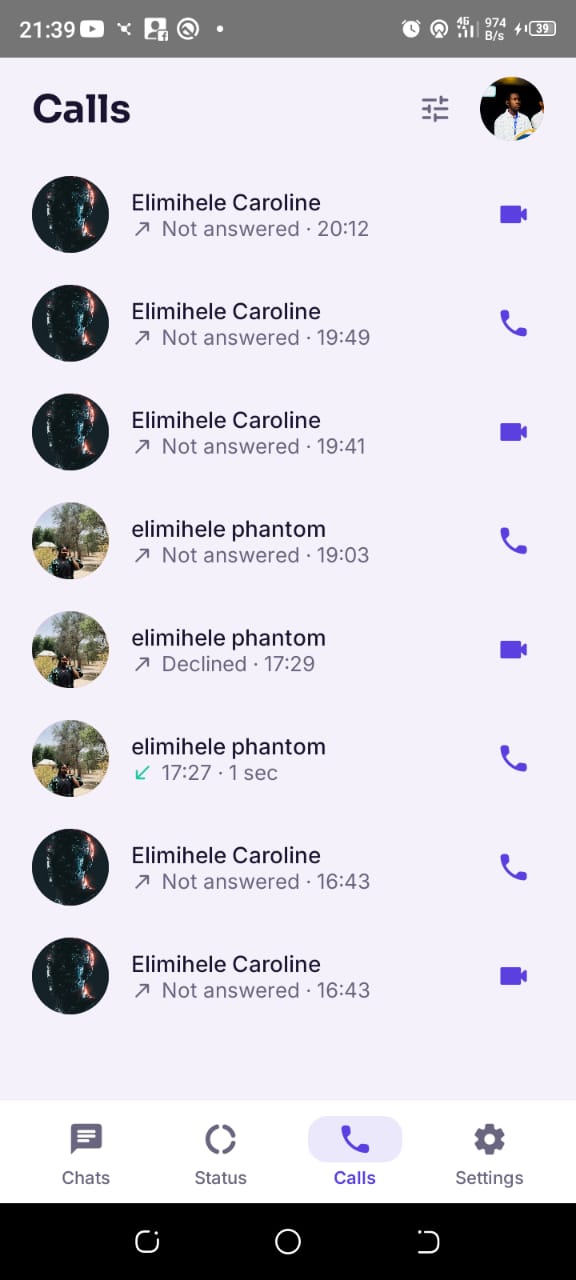
Status that doesn't just disappear on you
Post a status, and actually be able to save and reshare the ones sent to you • not lose them the second the 24 hours run out.
.jpeg)
An AI assistant, entirely opt-in
Gistnode AI sits in your chat list like any other conversation. It's off by default in spirit • you decide if and how you use it, and it never reads chats you don't bring to it yourself.
More on Gistnode AI.jpeg)
Low-data voice notes
A live waveform while you record and while you play back • without draining data on a slow connection. Built for real networks, not just fast office wifi.
Screenshot needed:
The voice-note recording bar with its live waveform